

A BEAUTIFUL WEBSITE IS JUST A PROMPT AWAY
Build your dream website using AI in just minutes. Start with a prompt, create an AI-generated website, then refine every detail using our no-code, drag-and-drop site builder for full control.
YOUR CO-PILOT FOR AI WEBSITE DESIGN
Create AI-powered components and professional website sections by simply describing what you want. Our AI tools handle layout, design, and structure that give non-technical users flexibility and control.
Chat Mode
Iterate with conversation, not code. Click any element and use AI to add, edit, or restyle.
Design Mode
You can start with AI, then refine your pages manually for precise control.
Design System
We'll automatically pull design context from your website while generating designs.
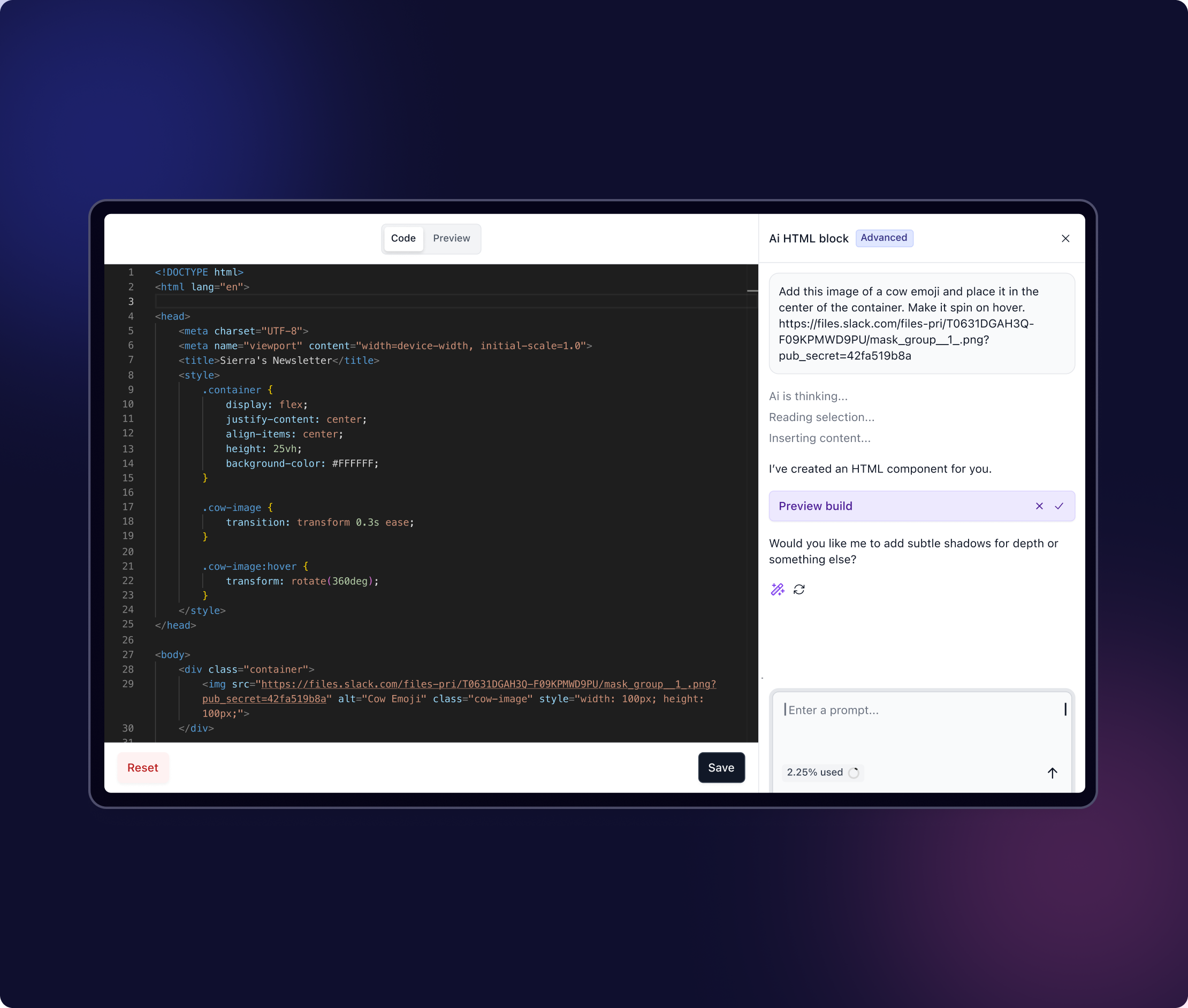
DESIGN WITH AI THAT UNDERSTANDS YOUR BRAND
Chat, refine, approve. Always on-brand.
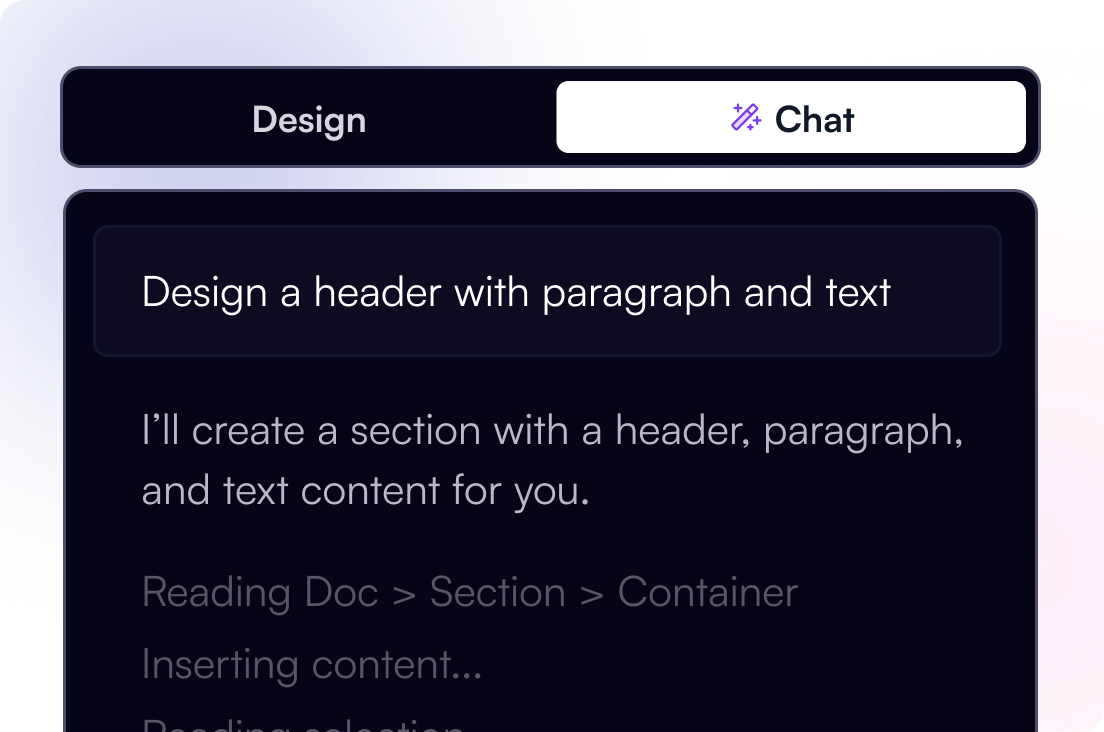
Chat Mode
Iterate with conversation, not code. Prompt our AI to update layouts, text, or design elements in simple steps, making this one of the most user-friendly AI website builders available.
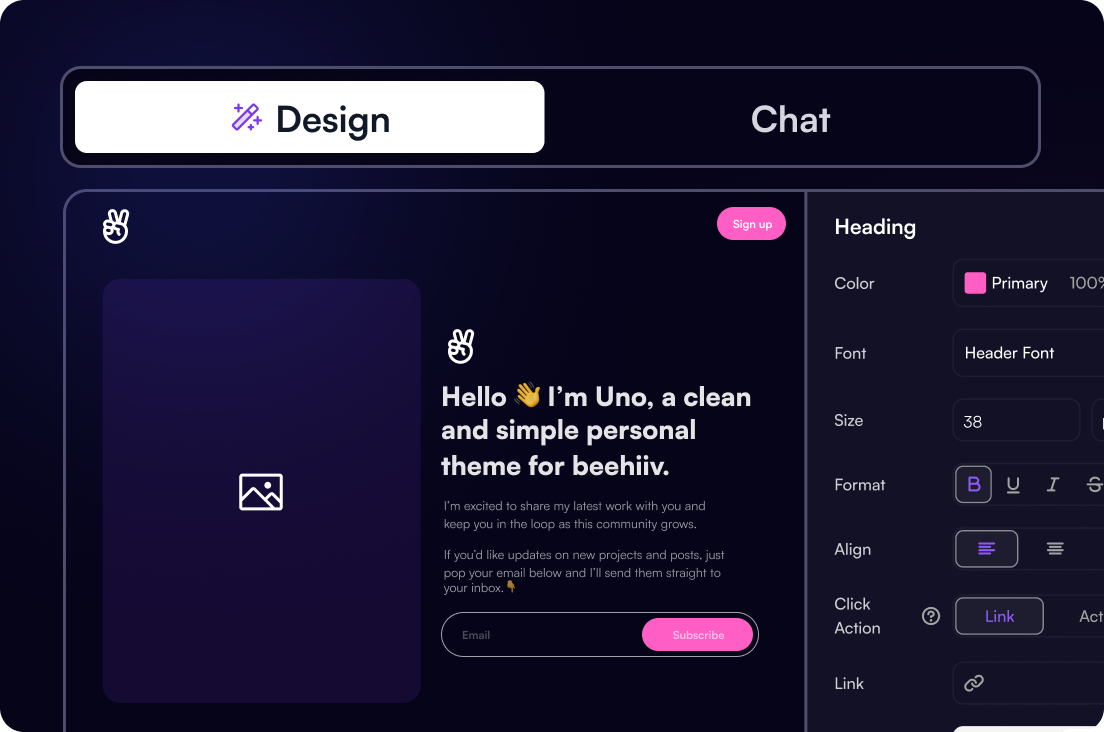
Design Mode
Start with an AI website generator, then switch to Design Mode for full control. Adjust spacing, typography, layouts, and components to match your exact design preferences across devices.
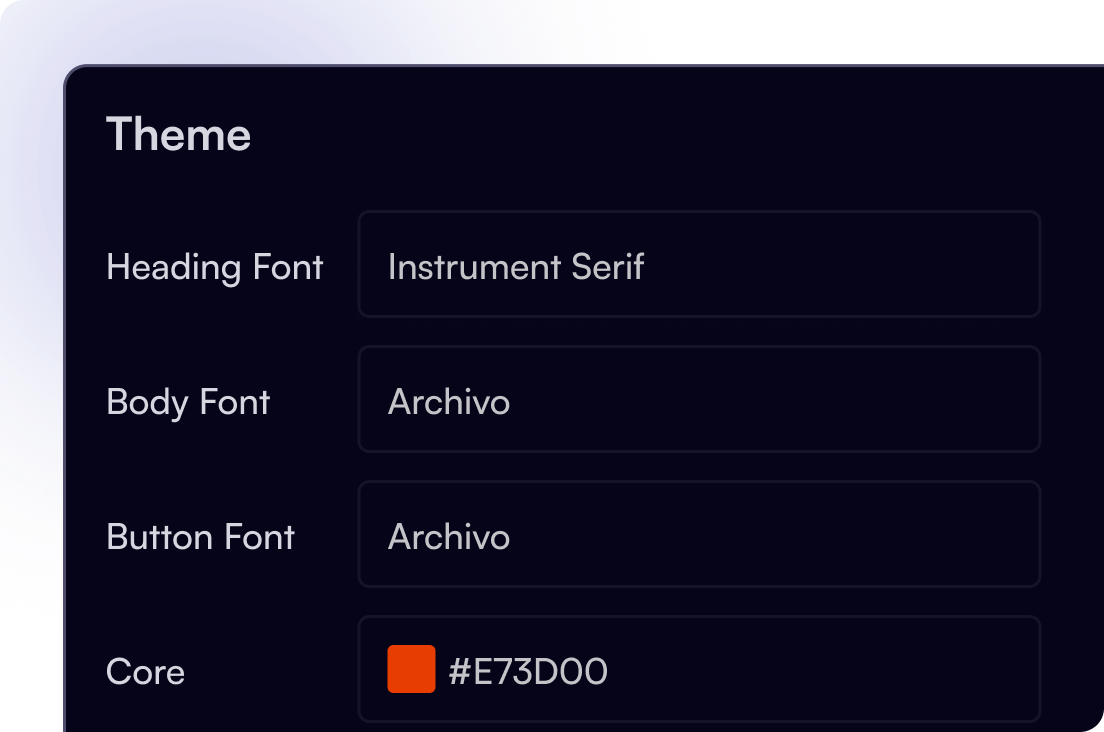
Design System
We'll automatically pull design context from your website while generating designs.
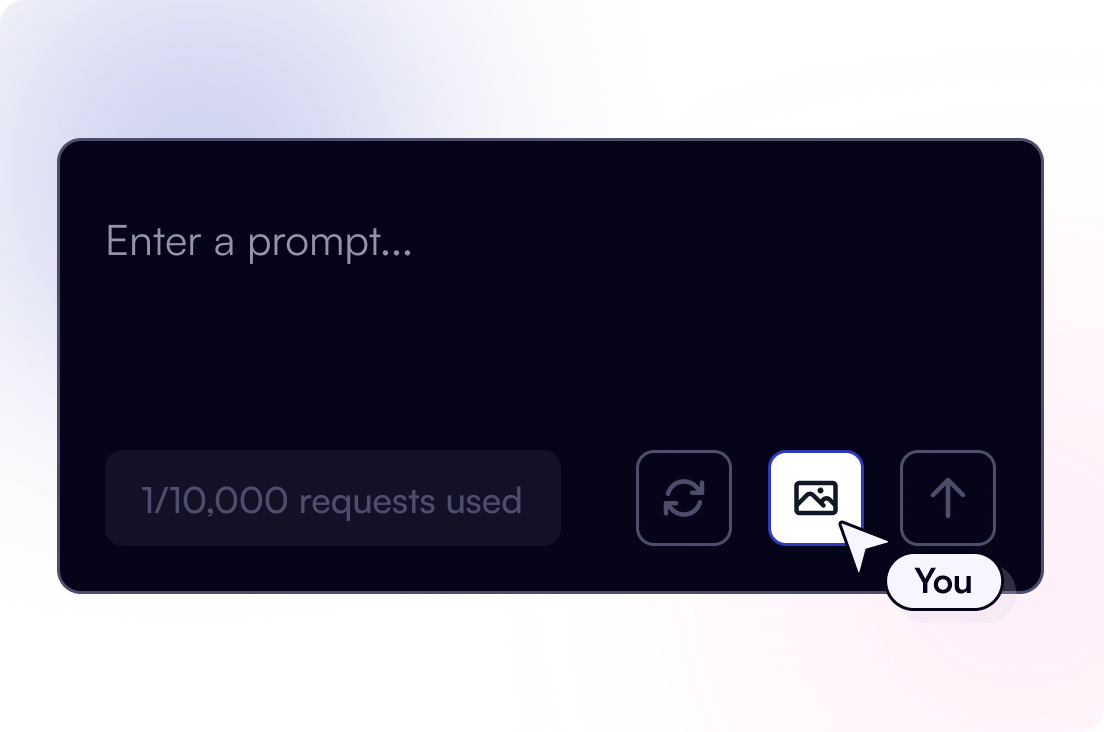
Image References
Upload images to inform layouts, components, and copy that matches your brand.
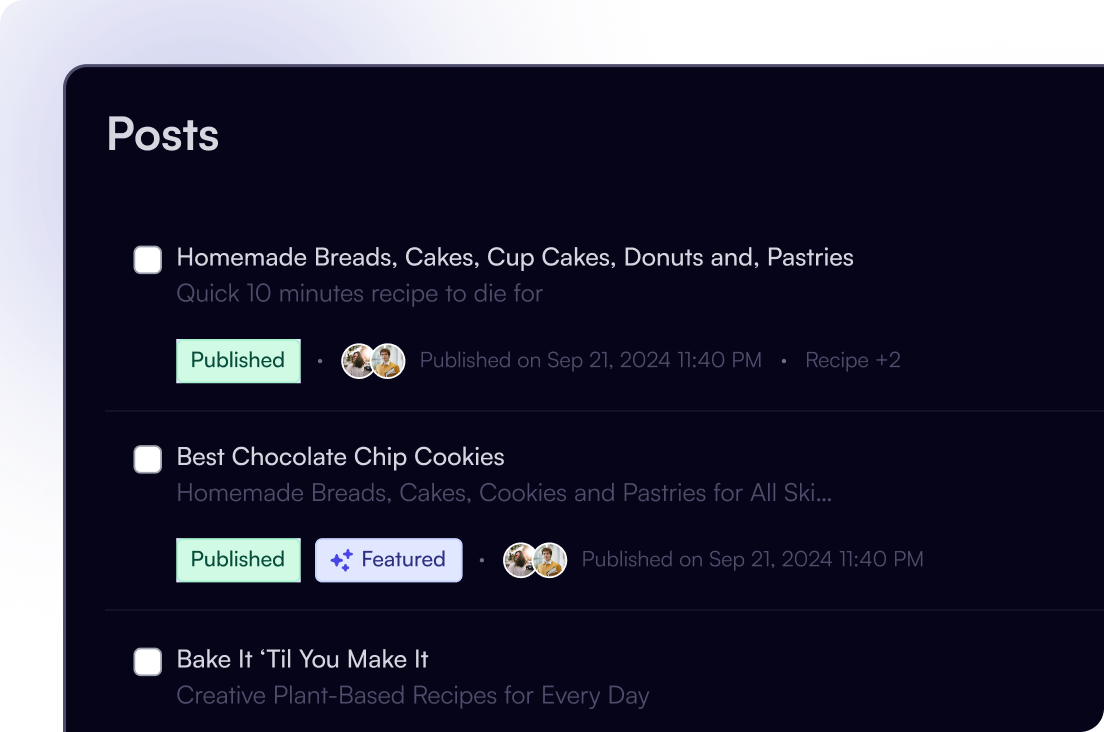
CMS Integration
Sync your website with our powerful CMS to pull content and push updates in real-time.
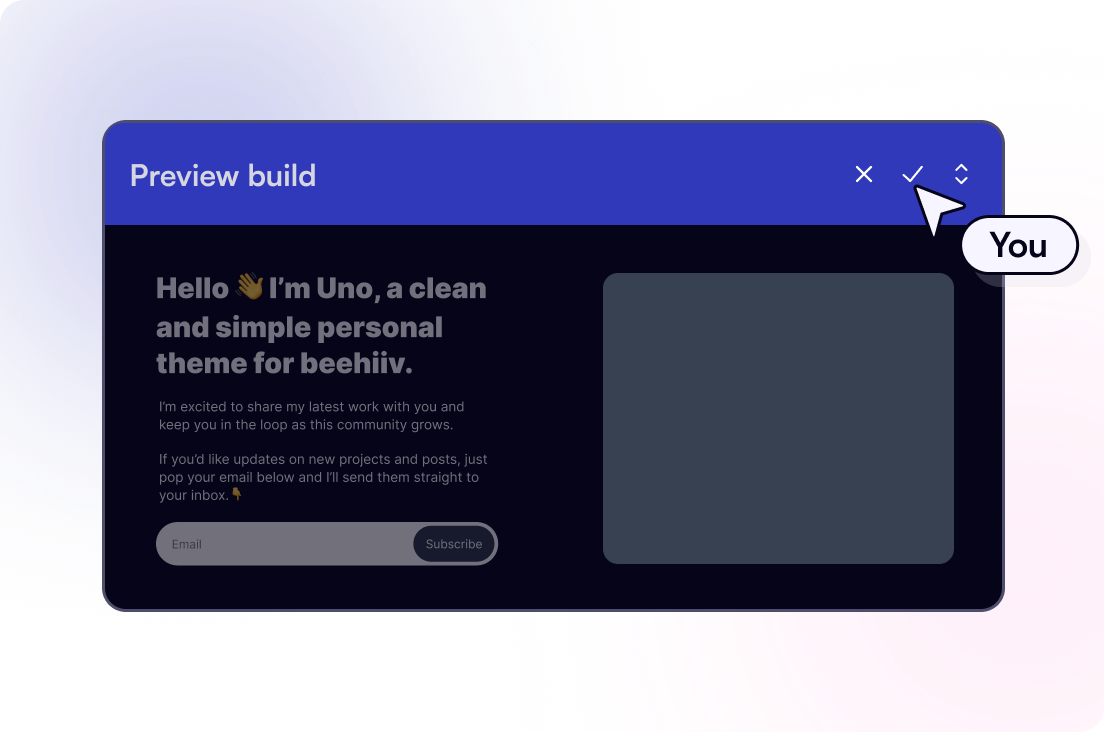
One-Click Approval
Review AI-powered updates side by side, then accept to apply or deny to discard.
Explore what you can create with the beehiiv AI website builder
The beehiiv AI website builder supports every type of website on one flexible platform, making it easy to create a custom site tailored to your specific needs.
Newsletter websites
Create a professional homepage and supporting pages for your newsletter. Publish updates, connect your CMS, and keep your website and email content in sync for a consistent reader experience.
Websites with email collection forms
Use built-in forms to collect email subscribers directly from your website. Add sign-up sections to any page, connect forms to your subscriber list, and start growing your newsletter audience from day one.
Blogs and content hubs
Build SEO-friendly blog posts and evergreen content using AI-assisted layouts. Manage content through CMS integration and push updates live in real time as your publication grows.
Portfolio-style sites
Design clean, minimal portfolio websites to showcase projects, publications, or personal brands. AI-generated layouts help you structure your site quickly, while Design Mode gives you full control over spacing and visual details.
Landing-style pages and new sections
Create focused pages for announcements, launches, or campaigns. Add new sections with AI prompts, refine layouts visually, and keep everything consistent with your brand design system.
Custom websites that scale
Start with a single page or expand into a multi-page website over time. With AI-powered generation, manual refinement, and CMS integration, your site can grow alongside your audience without switching platforms.
HOW TO
HOW TO CREATE A WEBSITE ON BEEHIIV WITH AI
Building an AI-powered website happens in simple, guided steps using text prompts and visual controls. No code is required.
Start with a prompt
Describe your goal, audience, or design preferences in plain language. The AI website design generator uses your prompt to create an initial site layout, structure, and copy.
Generate an AI-built website
Based on your input, beehiiv creates an AI-generated website using your brand context, including colors, typography, and layout logic. This gives you a complete website foundation in minutes.
Refine with Chat Mode
Click any section and use prompt AI to add content, restyle elements, create new sections, or adjust layouts. Changes are applied instantly, allowing fast iteration without technical knowledge.
Fine-tune in Design Mode
Switch to Design Mode when you want full control. Adjust spacing, fonts, component styles, and layouts manually using the drag-and-drop site builder. This ensures the final result matches your exact design preferences.
Review and publish
Review AI-powered updates side by side, approve changes with one click, and publish a responsive website that works seamlessly across devices.
GOT QUESTIONS?
WE'VE GOT ANSWERS.
Is the AI Website Builder free to use?
Is this a no-code AI website builder?
Can I use the AI website builder for SEO-friendly sites?
Who is this AI website builder best for?
How does Chat Mode work?
How does Design Mode work?
Can I create interactive components with this?
Will the AI make my site look like my brand?
Is it mobile-friendly?

START TODAY
Unlock everything you need to build, grow, and monetize your audience in one place.
START BUILDING TODAY
Unlock everything you need to build, grow, and monetize your audience in one place.